


 SkilzHub Certification
 Adobe Certification
 Google Certification
 Meta Certification
 Semrush Certification
 Hubspot Academy Certification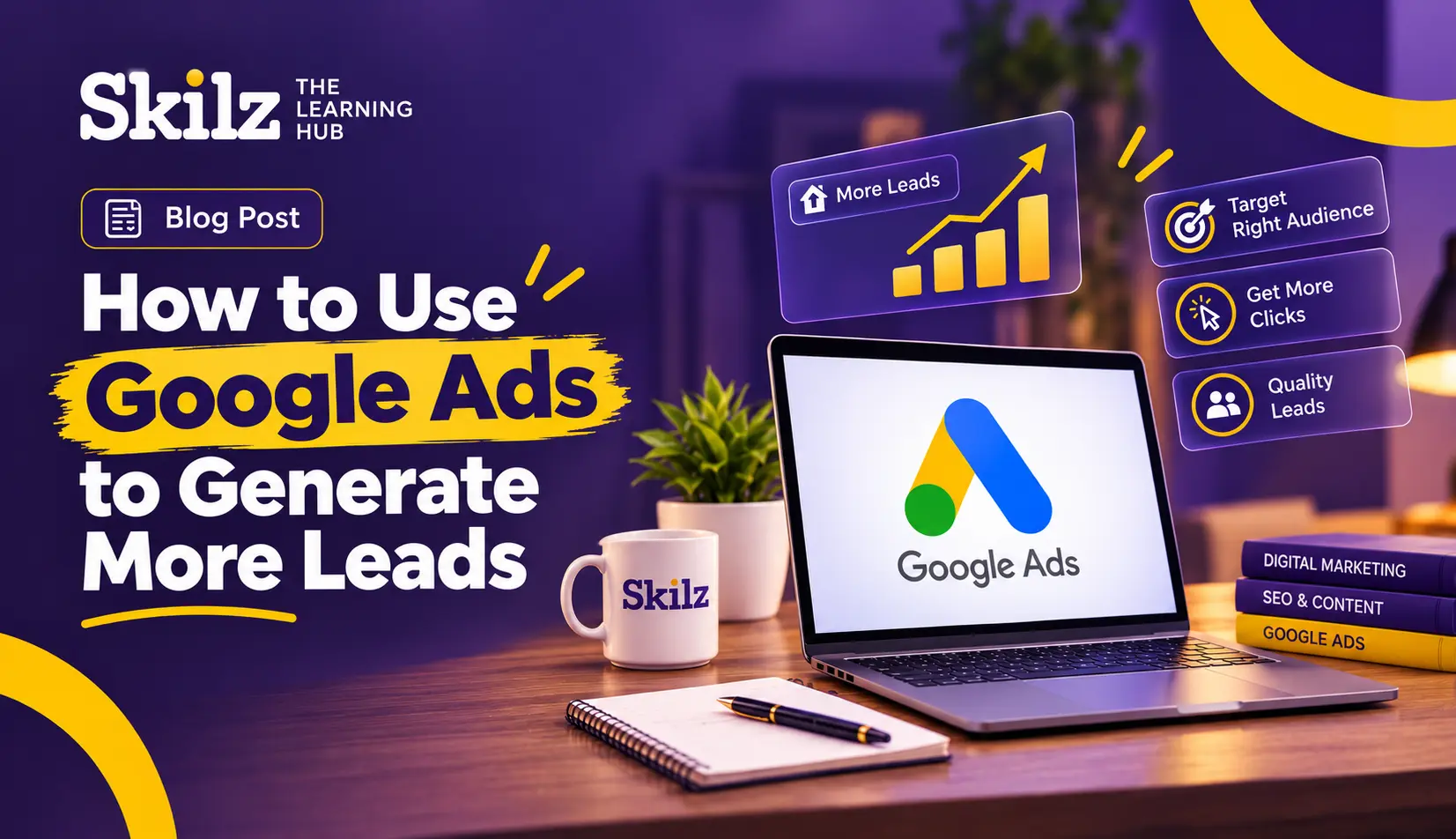
How to Use Google Ads to Generate More Leads
Google Ads allows you to reach people searching for your business at the exact moment they need it most. It enables your ad to appear when someone searches on Google for terms like banana chips near me or Best Digital Marketing Course in Kottakkal. However, if not set up correctly, you could end up spending money without generating leads. Follow these steps to ensure you get leads
1. Make Your Goal Clear
Before you begin, you need to clearly define what constitutes a lead whether it is a phone call, a form submission, a WhatsApp message, or an inquiry about ftpricing. You should also determine the maximum amount you are willing to spend to acquire a lead (Cost Per Lead).
For instance, if you earn a profit of ₹6,000 from a customer and one out of every 10 leads converts into a customer, spending ₹300.400 per lead is acceptable.
2. Find the Right Keywords
The most important factor in generating leads is targeting those who are actively searching and ready to buy.
High Intent Keywords: Choose keywords that include words like Price, Quote, Book, Near Me, or Course Fees. People searching for these terms are more likely to be ready to buy or make an enquiry
Avoid Keywords used only for Information: Searches like What is, How to and Free often have a lower chance of generating leads.
Use Research Tools: Use Google Keyword Planner to check how many people are searching for a keyword and its estimated cost
3. Add Negative Keywords
You can add Negative Keywords to prevent your ad from appearing in irrelevant searches.
If it is a paid service, words like free job and salary can be added as negative keywords.
Also, you should check the Search Terms Report at least once a week. If you come across any new search terms that aren't relevant, you can simply add them to the Negative Keywords list.
4. Add Negative Keywords
Use the exact keyword people are searching for in the headline.
Tell us what makes us different from others.
For example 10 years of experience 24hour service and free consultation.
Provide a clear CTA Call today or get a free quote.
Add ad extensions such as Call, Location, and Sitelinks. Doing this makes the ad appear larger and increases the chances of getting clicks.
5. Create a good landing page.
Clicking on the ad brings people to the website but it is a good landing page that converts them into leads. For instance, when promoting Skilz The Learning Hub the following aspects should be considered for the landing page.
Provide a headline that matches the content of the ad
Provide a short enquiry form; name and phone number are sufficient.
Place the Call or WhatsApp button where it is clearly visible.
Build trust by including testimonials and ratings.
Make the page load quickly on mobile, as most people view the website via their phones.
6. Set Up Conversion Tracking.
If you don't know which ads and keywords are generating leads, you cannot use your advertising budget effectively
Use Google Ads Conversion Tracking or Google Analytics 4 (GA4) to track form submissions and phone calls.
7. Set the Right Budget and Bidding
Start the campaign with a small daily budget. You can increase the budget later for campaigns that yield good results.
Start by using Maximise Clicks. Once you have achieved 15–30 conversions, you can switch to 'Maximise Conversions or Target CPA, based on the data and the campaign's performance.
For local businesses, narrow down the ad targeting to your city, district, or a specific radius in kilometres.
Use Ad Scheduling to display ads only on the days and at the times when you receive the most leads.
8. Use Lead Form Assets
Even if you do not have a website, or if you need to generate inquiries quickly, you can use Lead Form Assets. This allows customers to submit inquiries by entering their information directly into a form within the ad, without having to leave Google
Success with Google Ads doesn't mean you have to spend more money. What matters most is reaching the right people with the right message at the right time, through the right landing page.
Start by setting a clear campaign goal, targeting high intent keywords setting up proper conversion tracking, and continuously improving your campaign based on the data you collect.
For students and freshers who want to start a career in digital marketing, choosing the Best Digital Marketing Course in Kottakkal can be a good starting point to develop practical skills in Google Ads, SEO, Social Media Marketing, and other essential digital marketing areas




Comments (0)
Please login to leave a comment.
No comments yet. Be the first to comment!