


 SkilzHub Certification
 Adobe Certification
 Google Certification
 Meta Certification
 Semrush Certification
 Hubspot Academy Certification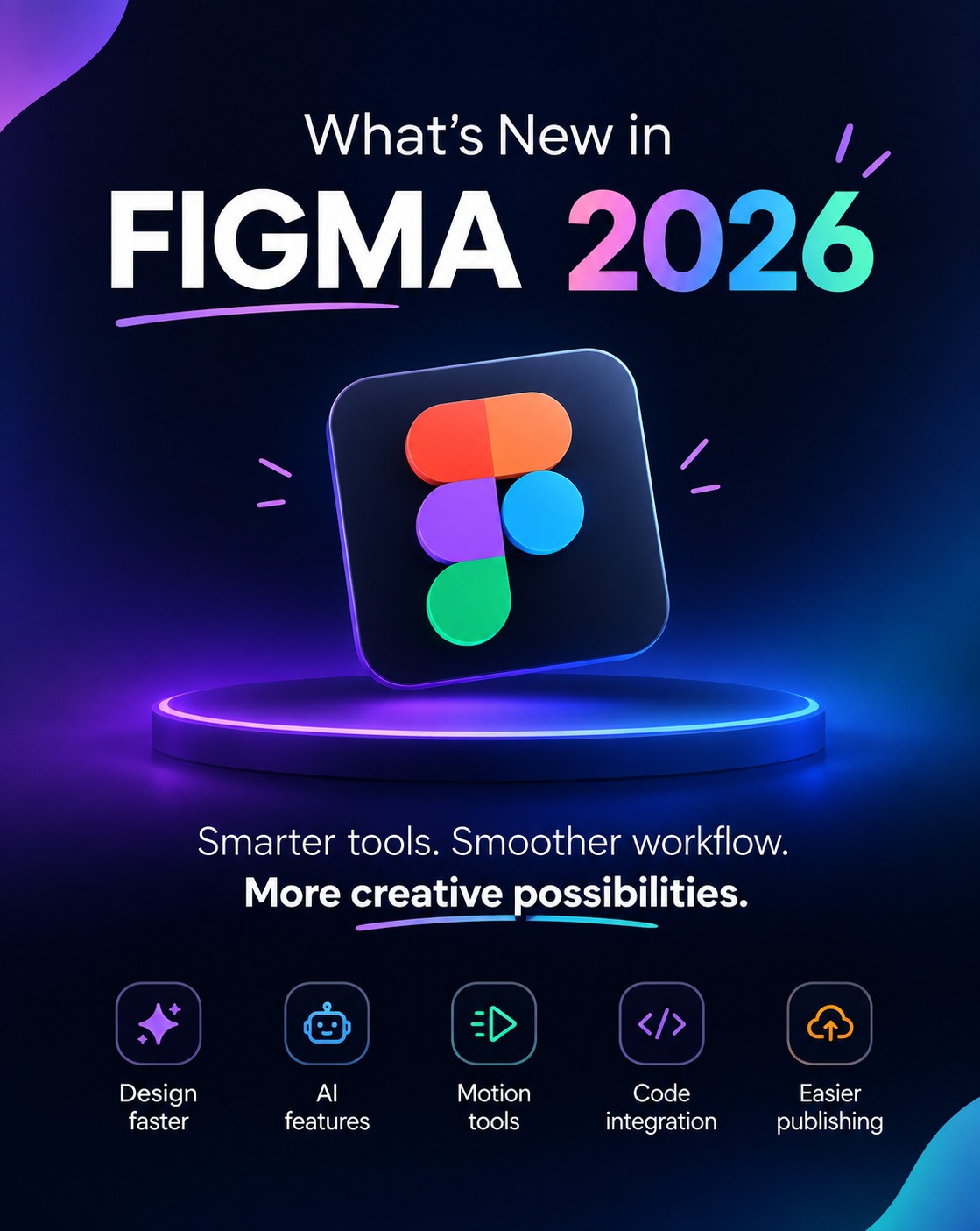
What's New in Figma in 2026: Code Layers, Motion and AI Agent Explained for Beginners
Figma is the tool almost every UI/UX designer starts with, and 2026 has brought some of its biggest changes yet. If you are learning design or planning a career in it, here is a simple breakdown of what is new and why it matters.
What happened at Config 2026?
Figma announced a suite of new features at Config 2026 on June 24, including code layers, built-in motion design, shader fills and effects, generative plugins, Weave tools and an updated Figma agent. The common theme was bringing design, AI and development closer together.
1. Code Layers: design and code in one place
Code Layers lets you convert almost any layer into an interactive code layer with a single click or a text prompt. You can also bring existing product code onto the canvas for exploration and testing.
Why it matters: The gap between what a designer creates and what a developer builds becomes smaller. Designers who understand basic HTML and CSS will benefit the most.
2. Figma Motion: animation without leaving Figma
Figma Motion lets you build timeline animations directly on the canvas using keyframes, presets and easing, where dedicated animation tools were needed before. Animations can be reviewed in Dev Mode and exported as CSS, JSON, React code, MP4, WebM, Animated SVG or GIF.
Why it matters: Micro-interactions, page transitions and loading animations are now part of the everyday UI designer's job.
3. Shader effects and generative tools
Shaders let you create textures and effects by writing a prompt or passing a reference image, and you can adjust the results on the canvas afterwards. Weave tools bring style transfer, image generation and asset extraction into the design file.
4. Figma agent: an AI assistant on the canvas
The Figma agent reads the context on your canvas and assists with your work, and its Skills system lets you package your own workflows and design rules as reusable instructions.
Why it matters: AI can speed up first drafts, but design judgment, user research and craft still decide the quality. As one analysis of Config 2026 put it, Figma Motion doesn't replace the motion designer. The same is true for UI/UX designers.
What should UI/UX learners do now?
Learn the Figma fundamentals first: auto layout, components, variables and prototyping
Practise basic animation and micro-interactions
Learn basic HTML and CSS so you can talk to developers
Use AI tools for speed, but build your own design thinking
Build a portfolio with real projects, not only AI-generated screens
Learn Figma with real projects
Tools change quickly, but strong fundamentals stay valuable. At Skilzhub, our UI/UX Designing course in Kottakkal, Malappuram covers Figma, HTML and CSS through real-world projects. If you're interested in animation, explore our Motion Graphics & Video Editing course, and if you want to turn designs into working websites, see our Web Development course.
Figma in 2026 is no longer just a design tool. It connects design, motion, code and AI in one workspace. Designers who learn the fundamentals and adapt to these updates will be the ones companies look for.




Comments (0)
Please login to leave a comment.
No comments yet. Be the first to comment!